
From Manual to App: Redesigning
the Vehicle Upgrade Process
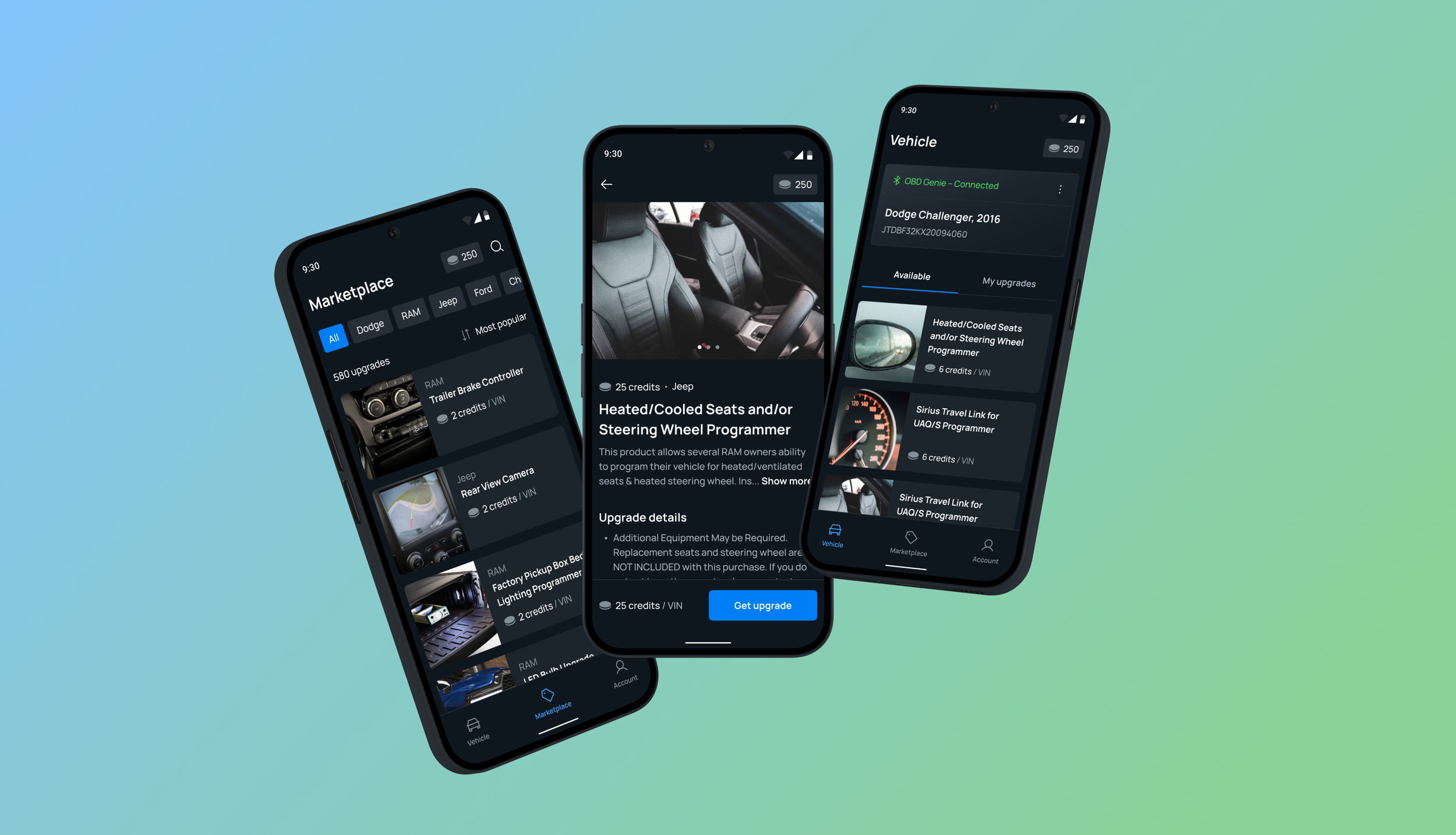
About project
OBD Genie empowers wholesalers and consumers to get the most out of their vehicles. The company creates a programming device that connects to the onboard computers of various vehicles, including RAM, Dodge, Jeep, and Ford, enabling feature upgrades.
My role
I designed the entire MVP of the app, giving users easy control over upgrades from their phones and simplifying the process,
all within tight constraints.
Project timeline
Sep – Apr 2023
Industry
Automotive
Type
Android & iOS Apps
My role
Lead Product Designer
Team
1 Product Manager
1 Product Designer
1 Back-End Engineer
1 Flutter Engineer
1 QA Engineer
OBD Genie is a hardware device,
that allows for car upgrades.
FIRST THINGS FIRST:WHAT IS OBD GENIE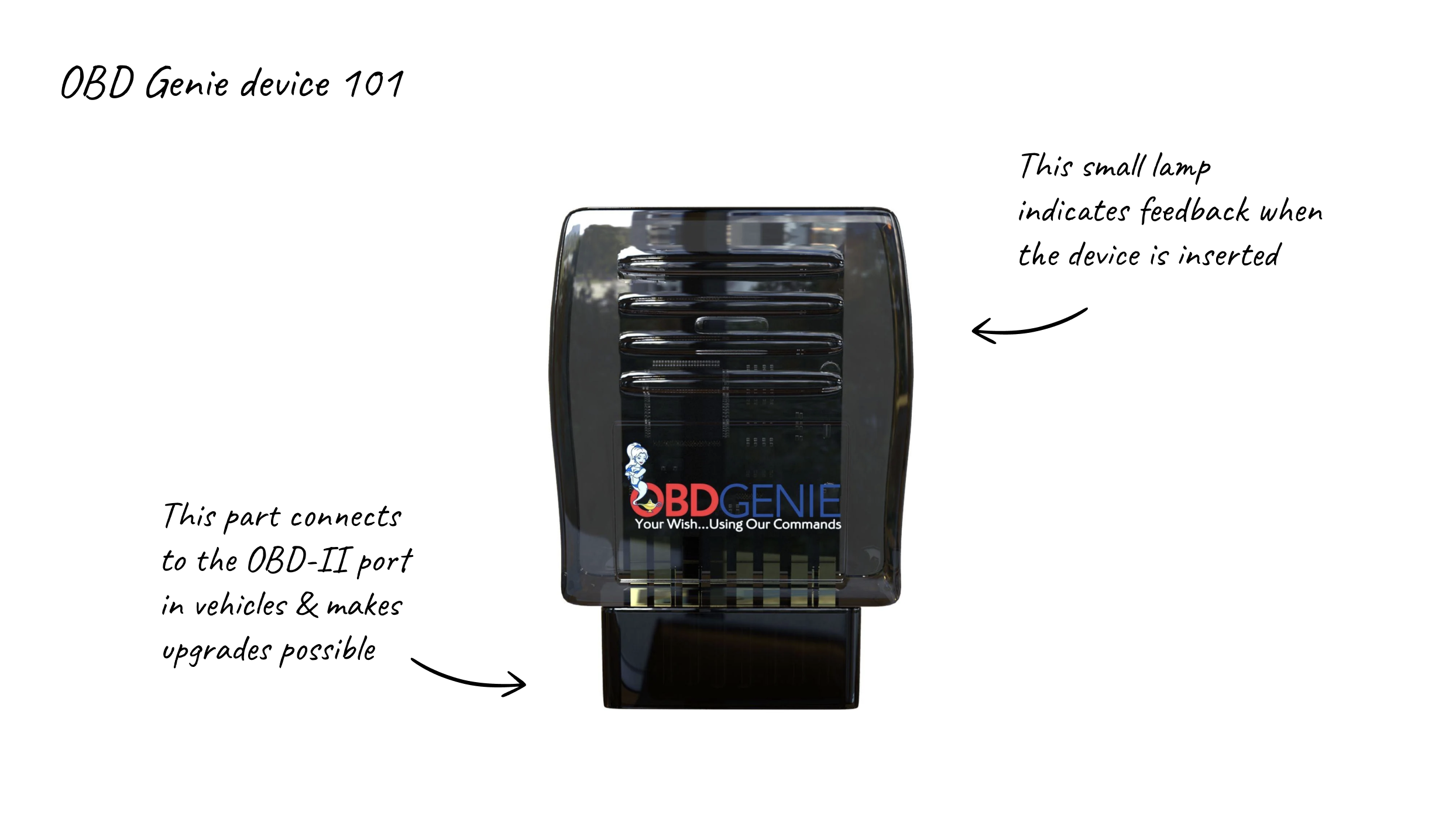
USER PROBLEM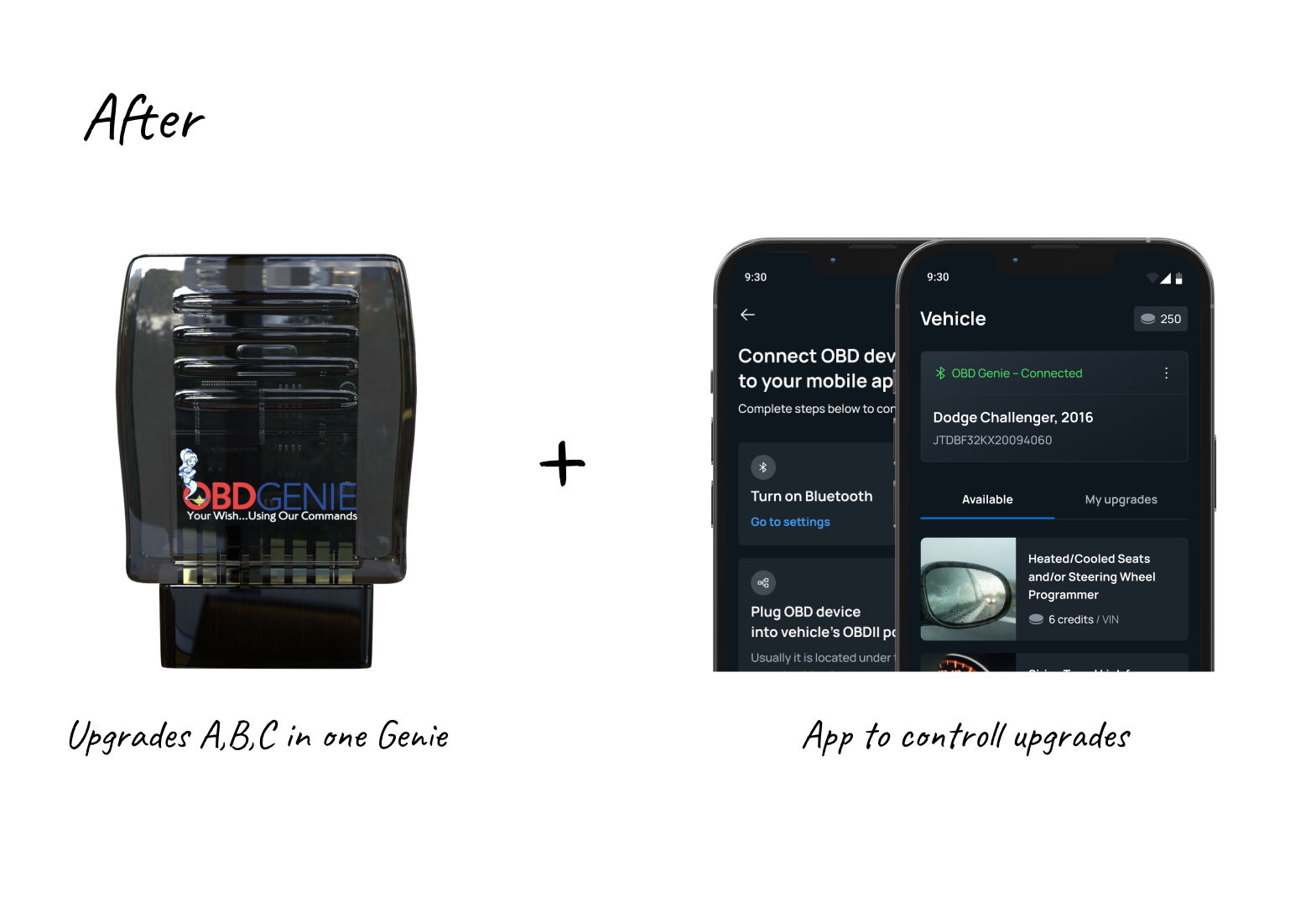
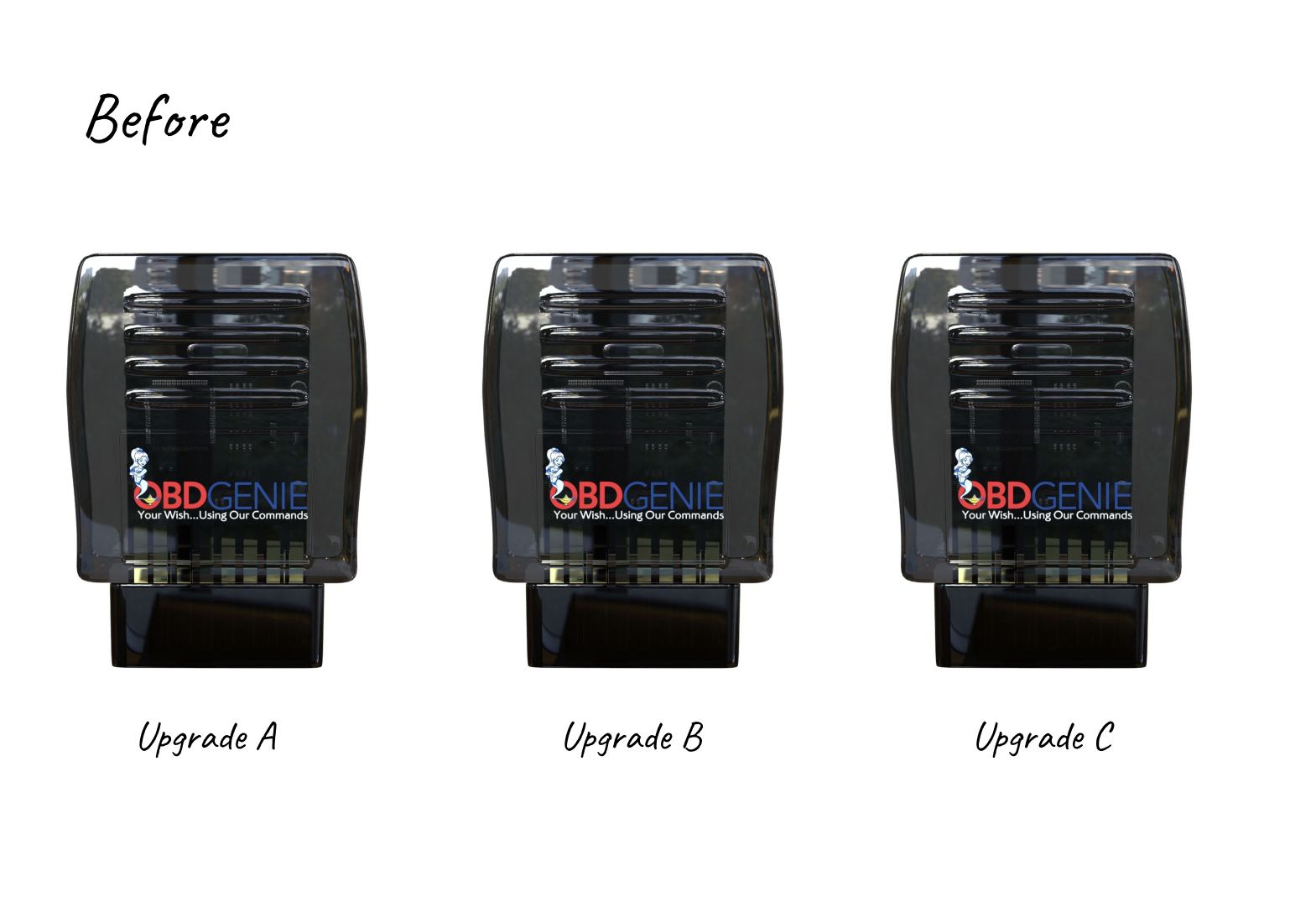
OBD Genie’s user experience was less than smooth for returning customers because each upgrade required a new device, as the hardware was hardcoded for individual upgrades. This issue intensified when they discovered that 70%
of their profit came from wholesalers, who manage stock, delivery times, and pricing, rather than individual buyers.
Car owners had to buy a new OBD Genie device for each software upgrade, making
it expensive and frustrating.
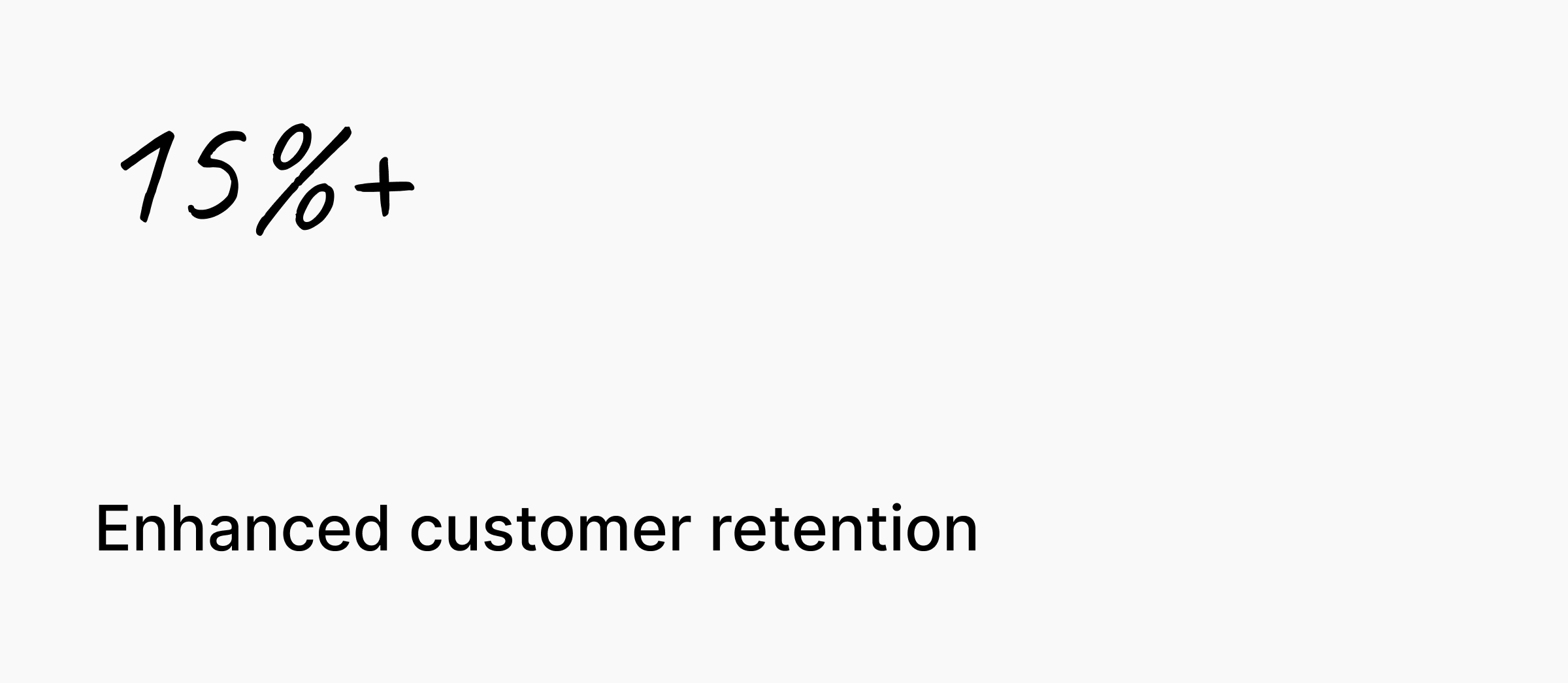
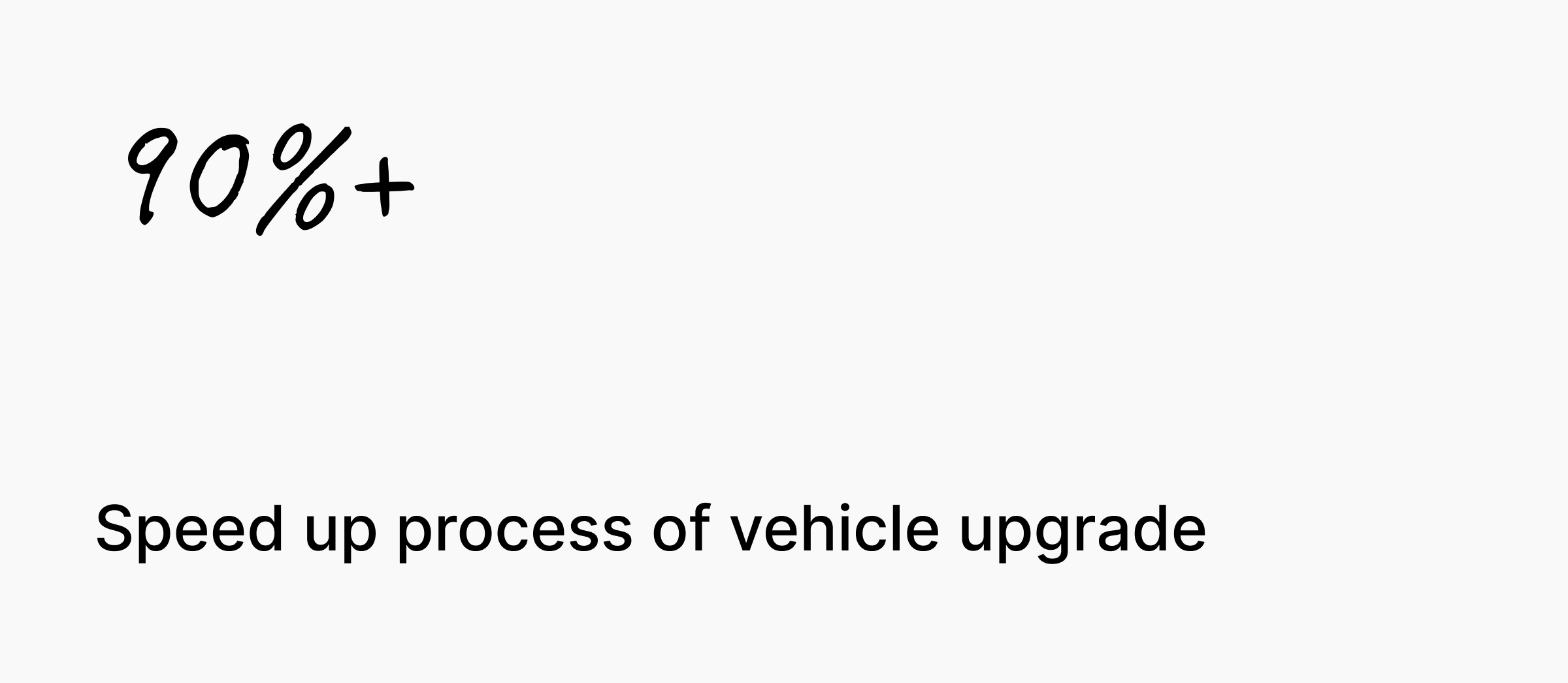
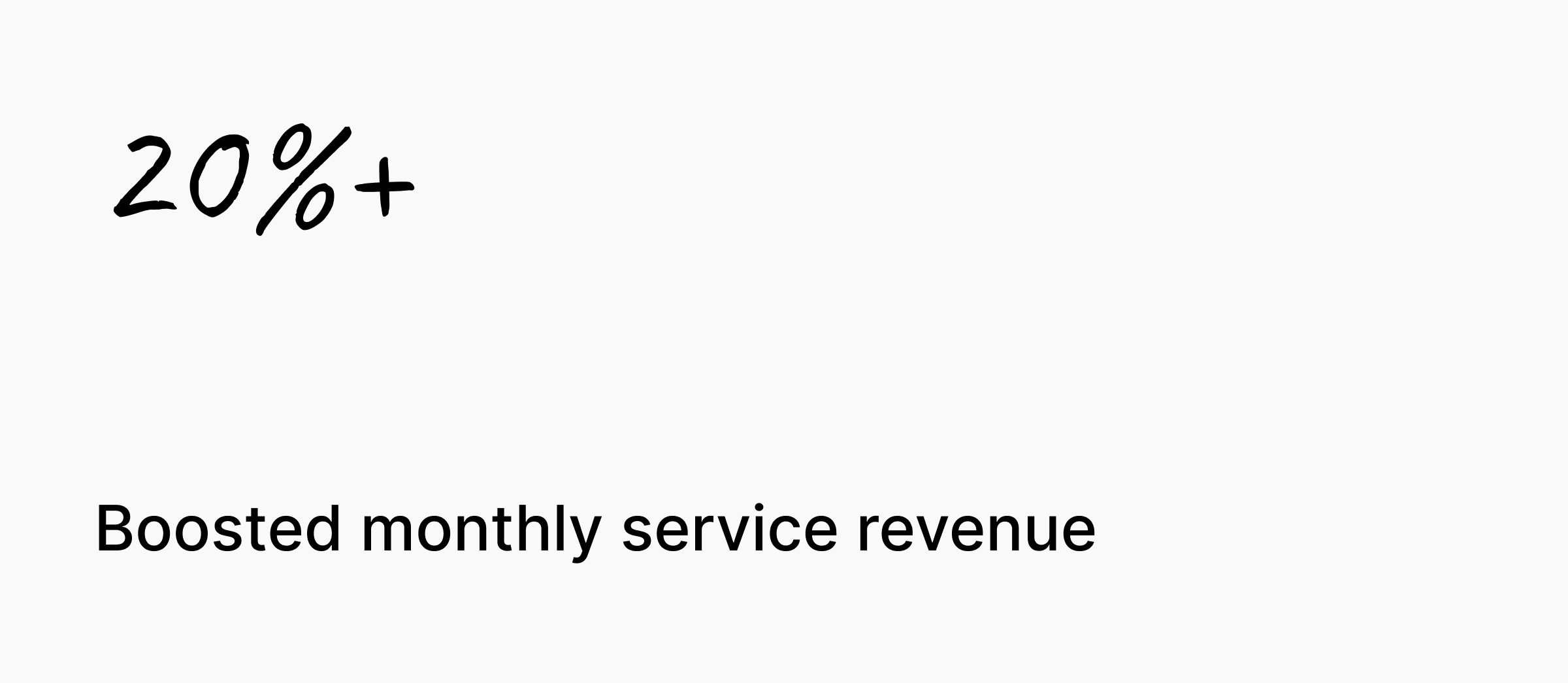
BUSINESS PROBLEMSOLUTIONIMPACTHardware imperfections led to issues with user retention, increased number of customer support inquiries and loss of customers.
OBD Genie redesigned their hardware into
a single universal device, controlled by an app, making upgrades easy and seamless.
The redesigned app streamlined the upgrade process for individual users
and wholesalers. For DIY enthusiasts, it enhanced their ability to manage
and install upgrades. For wholesalers, it simplified inventory management
and reduced the need for multiple devices, addressing their key pain points.
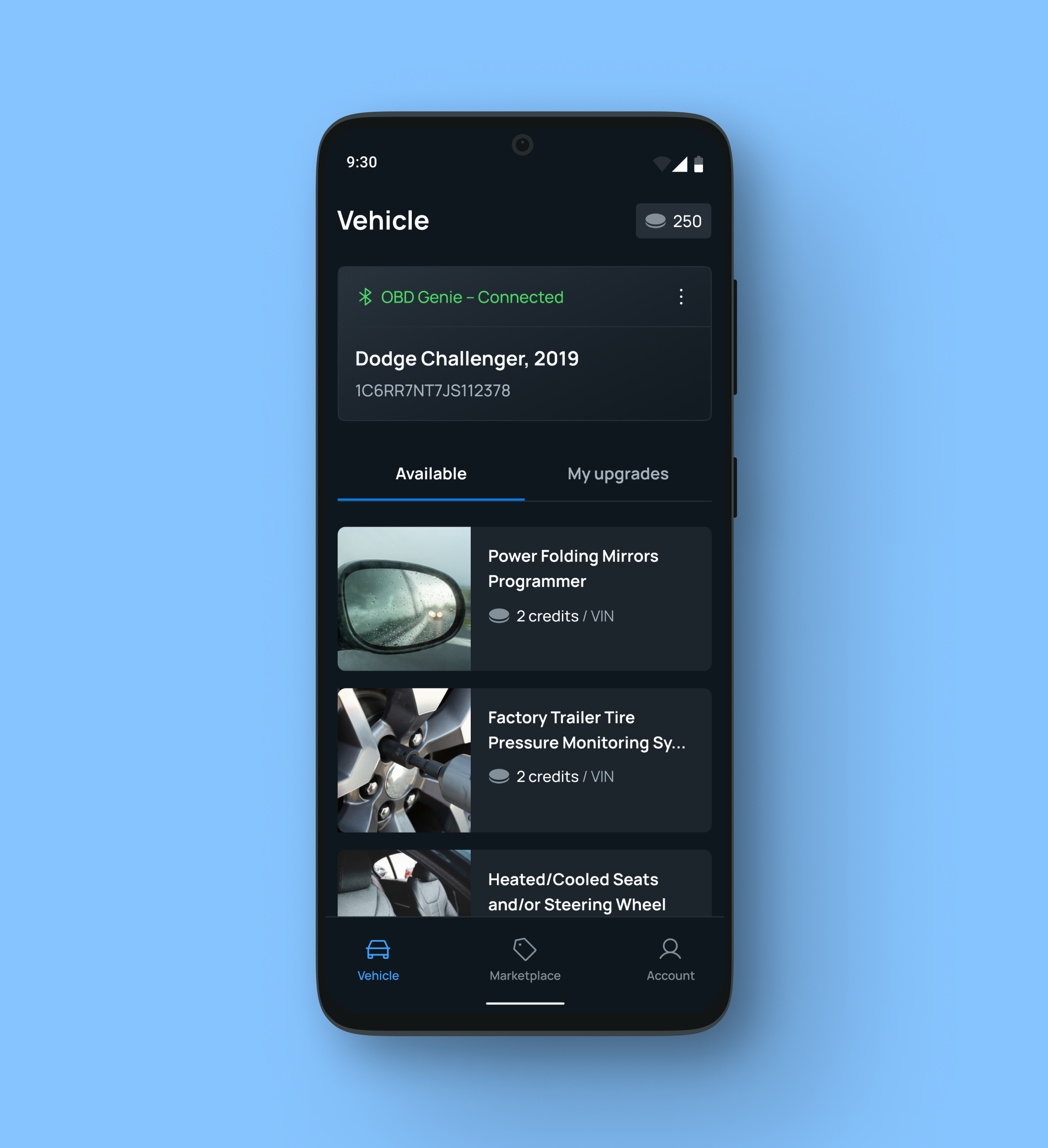
Seamlessy Connect to Your Vehicle
One Screen, All Your Vehicle Upgrades
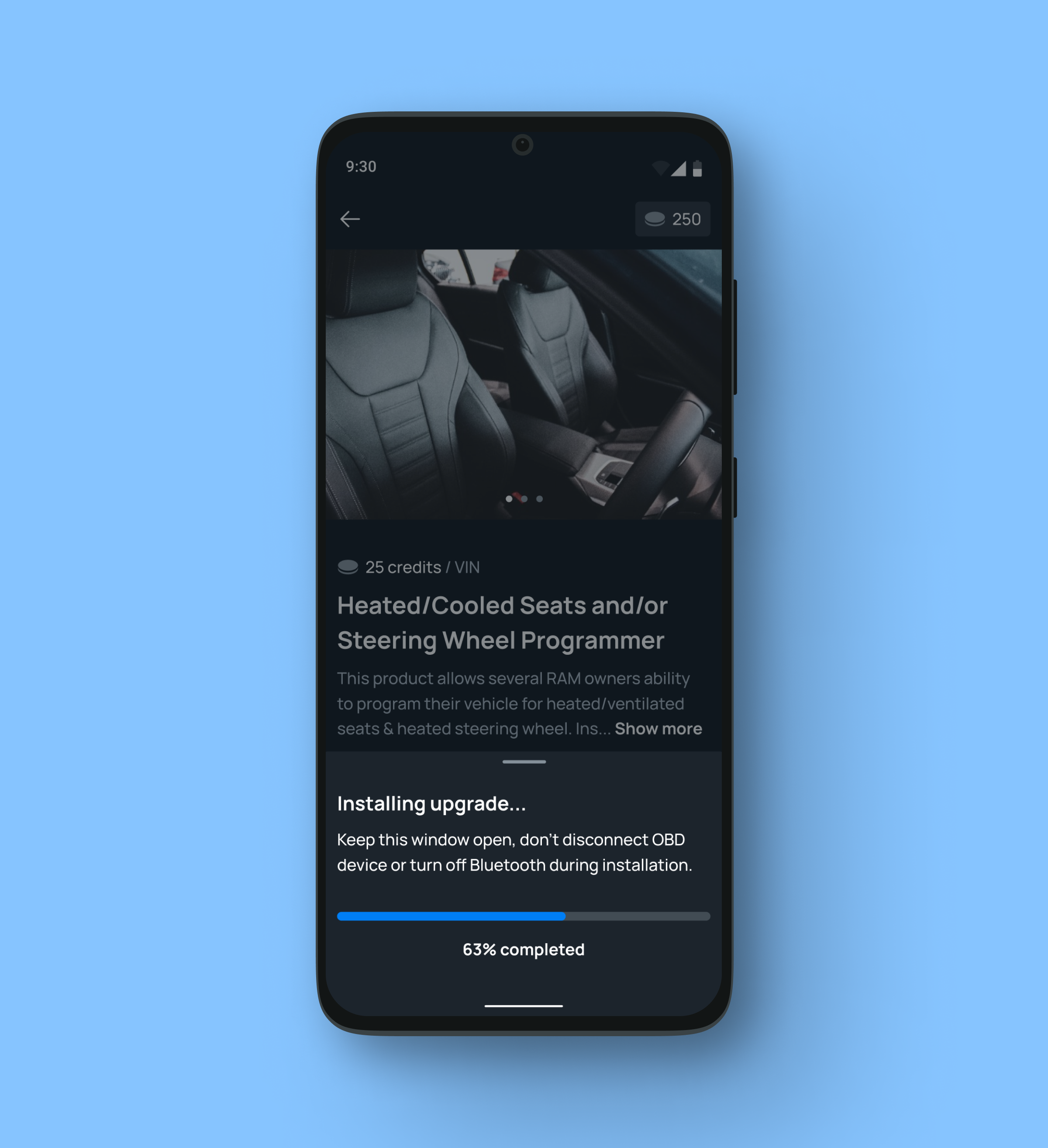
Install upgrades in a few taps
PROCESS. PART IInterview script of an interview with
David Huebsch, General Manager at OBD Genie.
I conducted a competitor analysis to gauge how other apps managed
similar issues. This provided a foundation for redesigning the app to improve
the user experience and integrate the new device’s features.
Wholesale customers
-
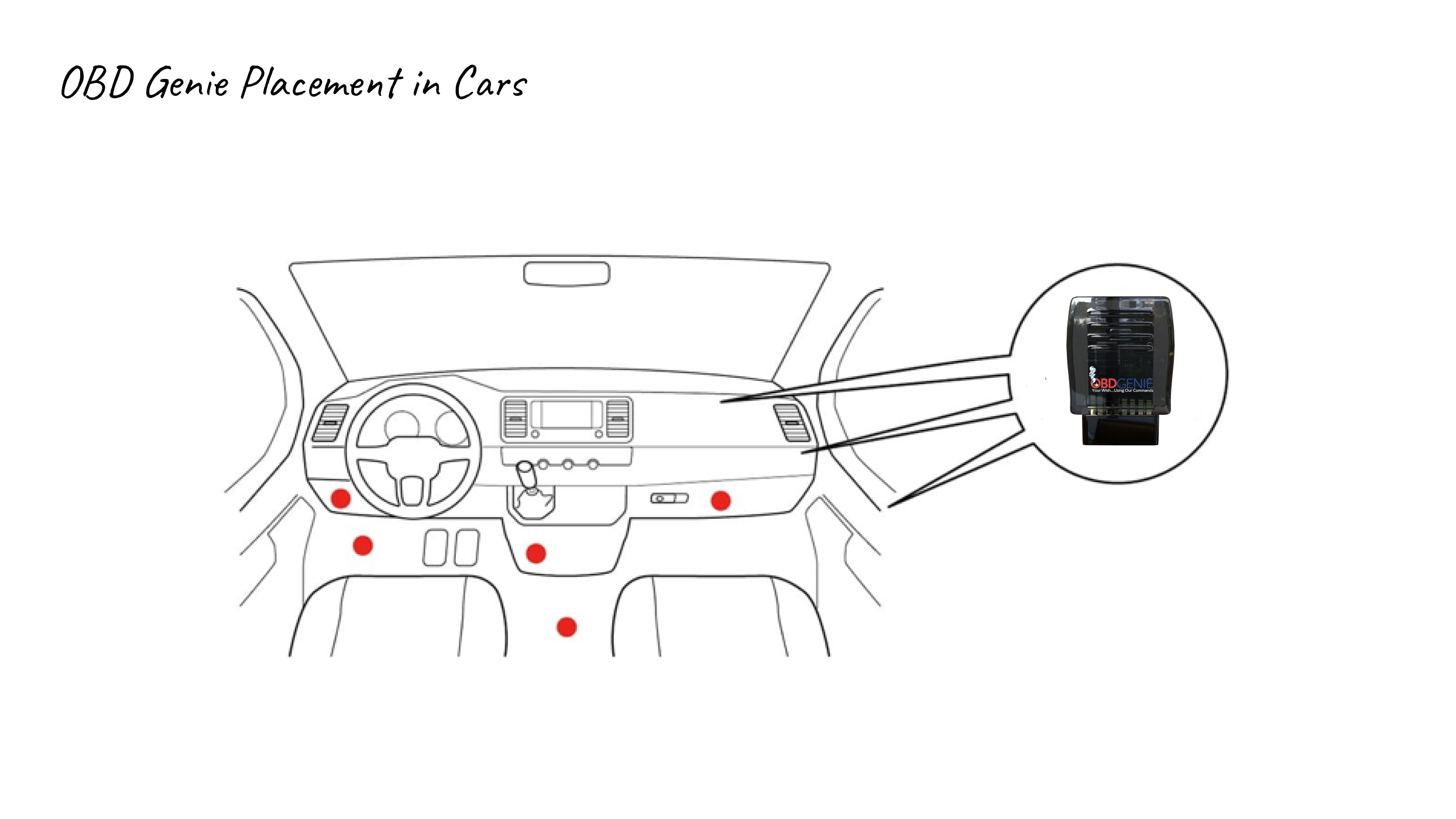
Users frequently faced challenges when trying to connect their vehicles to the devices. They didn't understand where to find OBD II port and how to connect vehicle.
-
Wholesalers struggled to accurately predict which upgrades to stock, leading to inefficiencies in serving their B2B customers. Because OBD team's approach is very loyal, they accepted returns from customers which resulted in revenue loss.
-
Wholesalers often experienced delays in receiving the necessary devices, impacting their ability to meet customer demands.
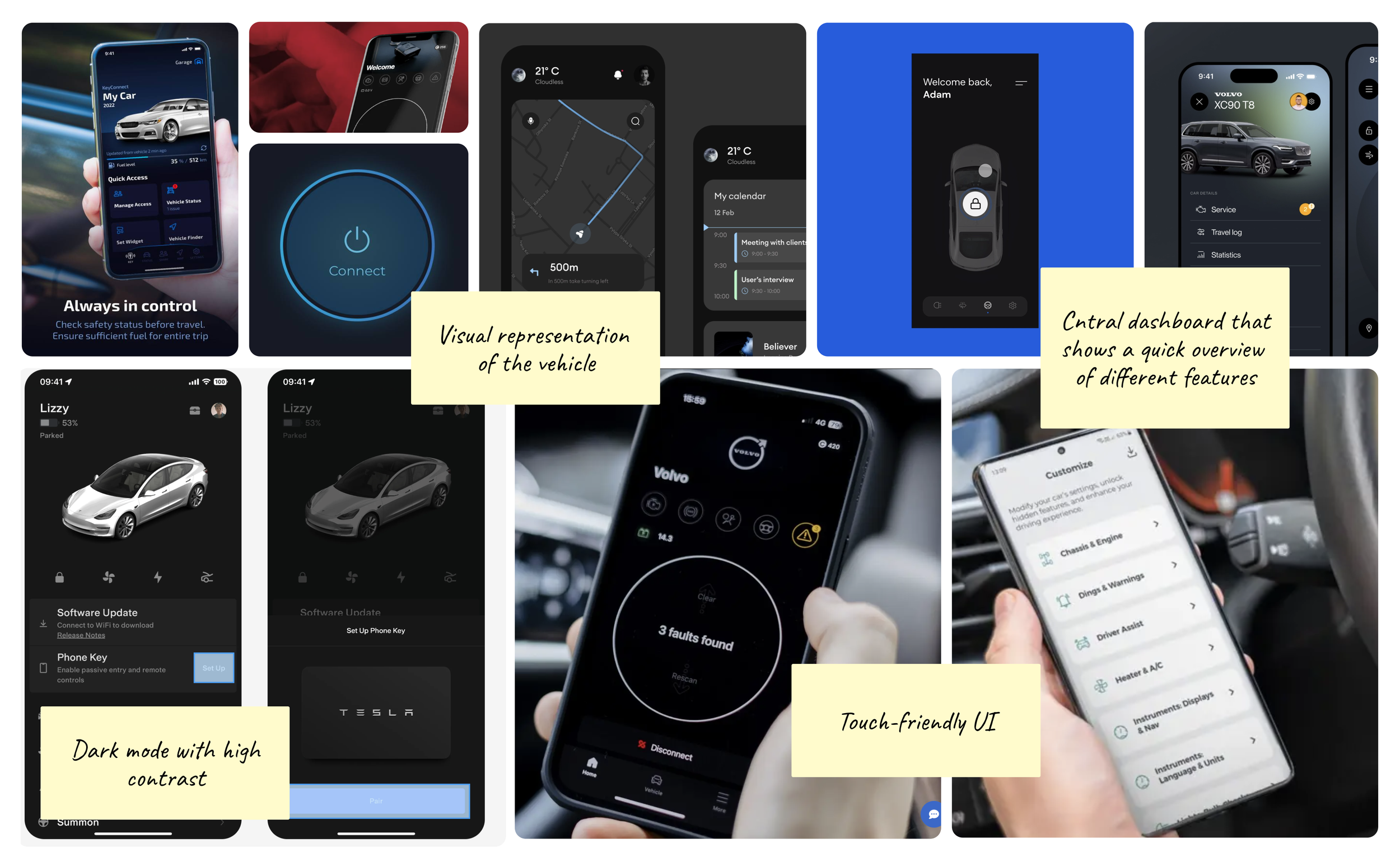
Analysis of UI patterns in similar apps
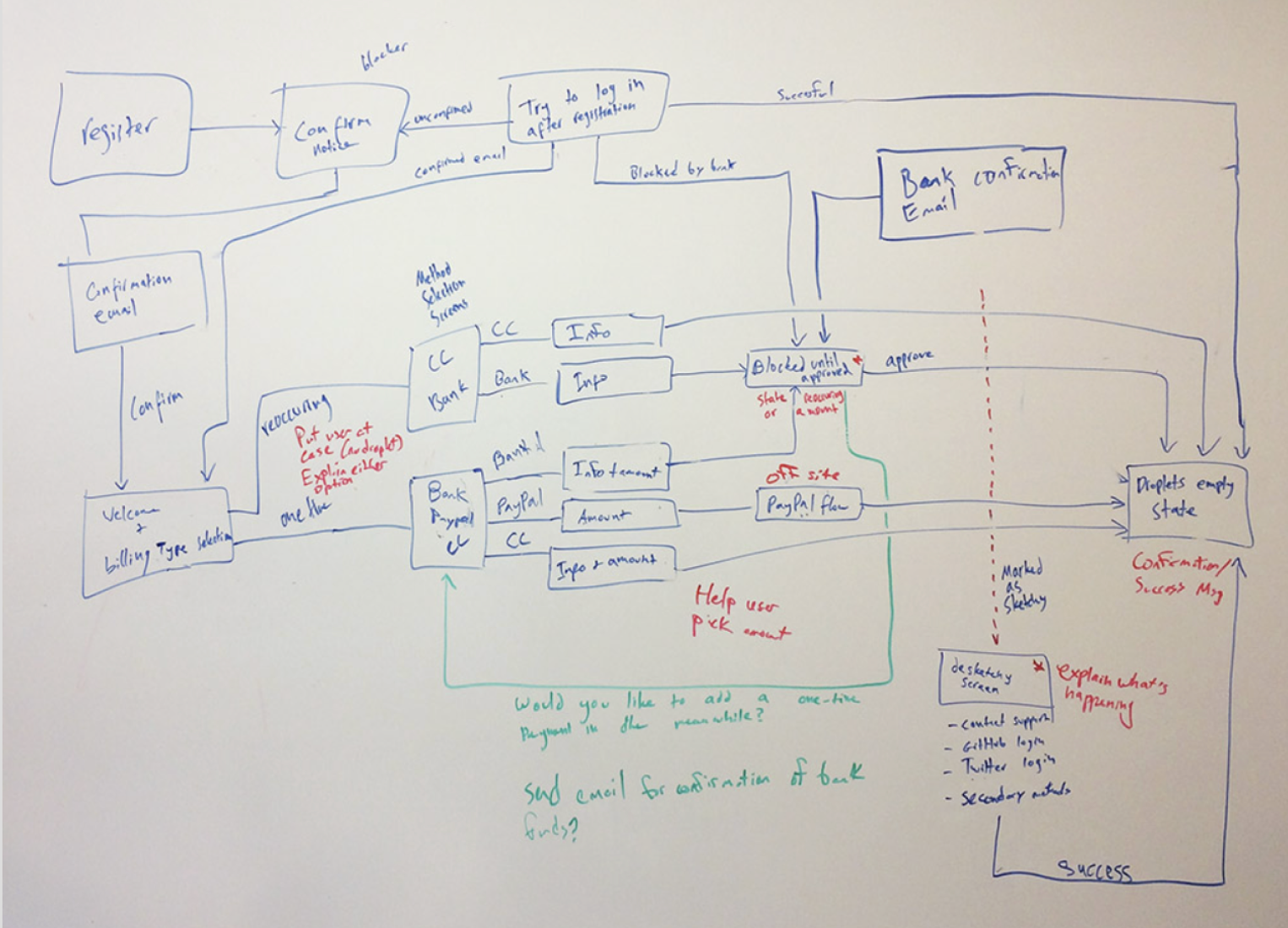
We mapped current user experience
to see where the new app fits into it
In this project, the design process was primarily guided by the client's team extensive understanding of their customers. Due
to a strict budget, extensive research and iterative testing were
not feasible, therefore we had to rely on other things.
Insights from secondary research
I did an audit of over 30+ apps from an automotive industry, but also those that resemble similar flows, like connecting to hardware devices, etc trying to identify things they did well.
Individual customers
-
Users frequently faced challenges when trying to connect their vehicles to the devices. They didn't understand where to find OBD II port and how to connect vehicle. Especially first time users often struggled with this.
-
It was important for us to create a familiar experience for the users, because they are not super confident users of devices.
-
Item description
PROCESS. PART IThe design of main flows
PROCESS. PART IIThe visual language
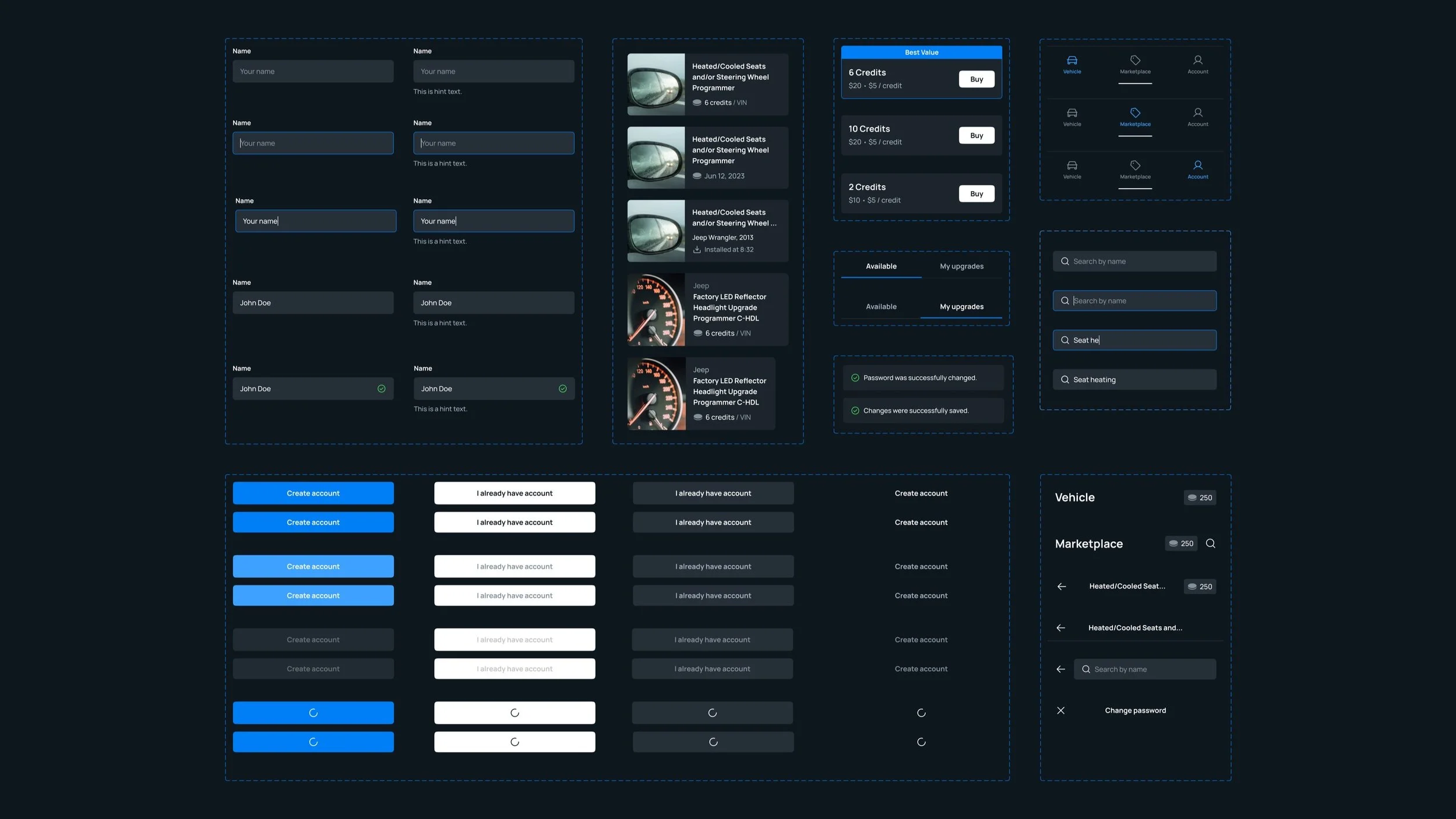
We focused on using existing system components and adhering to both Android and iOS design guidelines. This approach allowed us to create a consistent and efficient cross-platform experience while minimizing the need for custom elements.
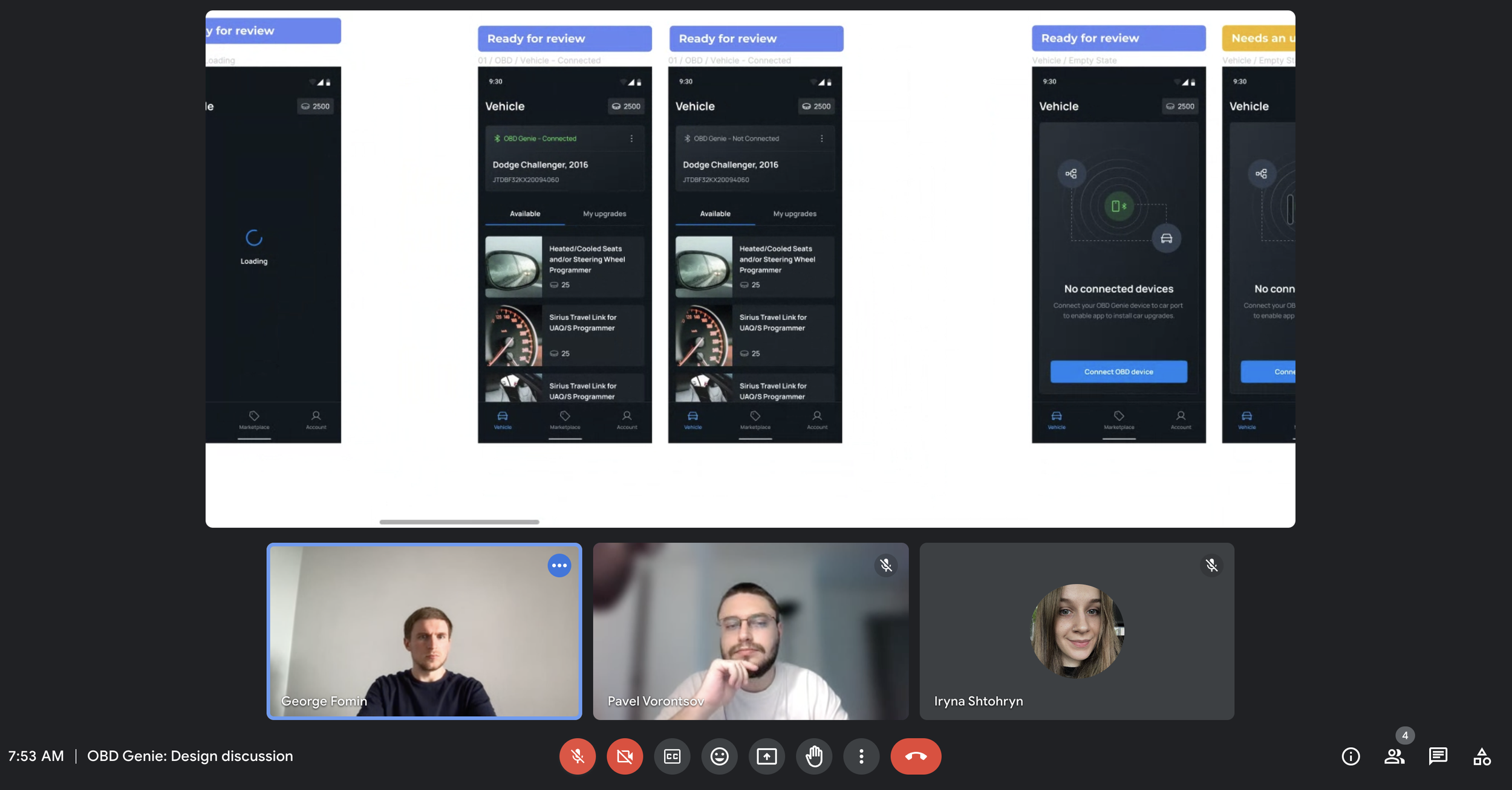
PROCESS. PART IIICollaboration with Flutter developer: Making sure the experience is smooth for both iOS & Android platforms
Easier Design Across Platforms: We noticed that making the app work similarly on iOS and Android was easier than expected because both platforms now look and feel quite alike.
Focus on Navigation: We talked about different navigation options to ensure they were easy to implement and clear for users, no matter which platform they were on.
User-Friendly Experience: We aimed to create a navigation flow that felt familiar and intuitive for users, helping them feel comfortable using the app regardless of their device.
Lessons learned
Constraints spark creativity
Working with tight budgets and limited resources pushed me
to get creative and think of smart, efficient solutions. It turns out, constraints aren’t barriers—they’re challenges that drive innovation.
Building warm relationships with developers
is a game-changer
Collaborating closely with the Flutter dev taught me so much more
about iOS vs. Android patterns. The more I synced with them, the smoother was the process—and the better the final product.

Next Case Study